SAIR2.0by Africa 360 Advisory
CLIENT GUIDE · SAIR 2.0

Learn SAIR 2.0
at your own pace.

Two documents for clients and their teams: a short introduction to share with decision-makers, and a step-by-step manual for everyone who works in the workspace. Both open in your browser and can be downloaded as PDF files.

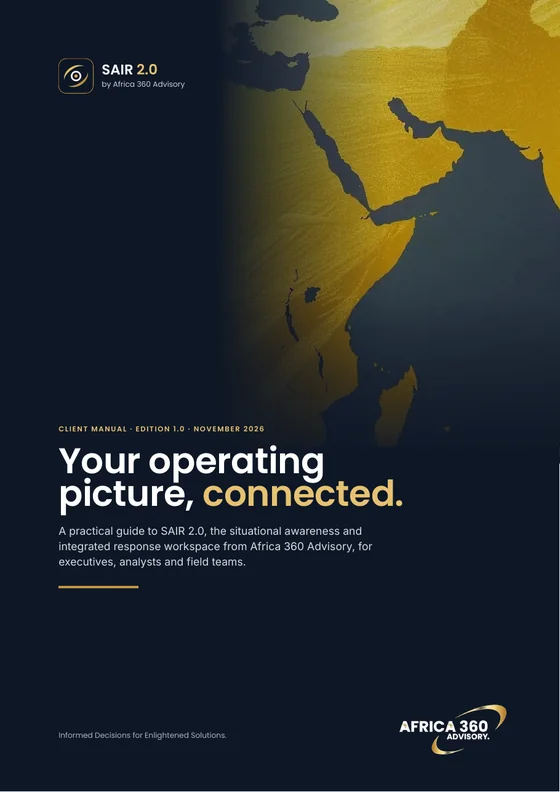
Cover of the SAIR 2.0 Client Manual
Client manual · PDF · 30 pages · A4

SAIR 2.0 Client Manual

A step-by-step guide for everyone who uses the workspace: signing in, the Target Desk, each intelligence module, the AI analyst, data sources, administration and responsible use.

Inside the manual

  1. Welcome to SAIR 2.0
  2. Getting started
  3. Finding your way around
  4. The Target Desk
  5. The intelligence modules
  6. Recording and reviewing evidence
  7. AI analyst and briefings
  8. Data sources and public profiles
  9. Administration
  10. Using SAIR on phones and tablets
  11. Data protection and responsible use
  12. Getting help
  13. Glossary and quick reference
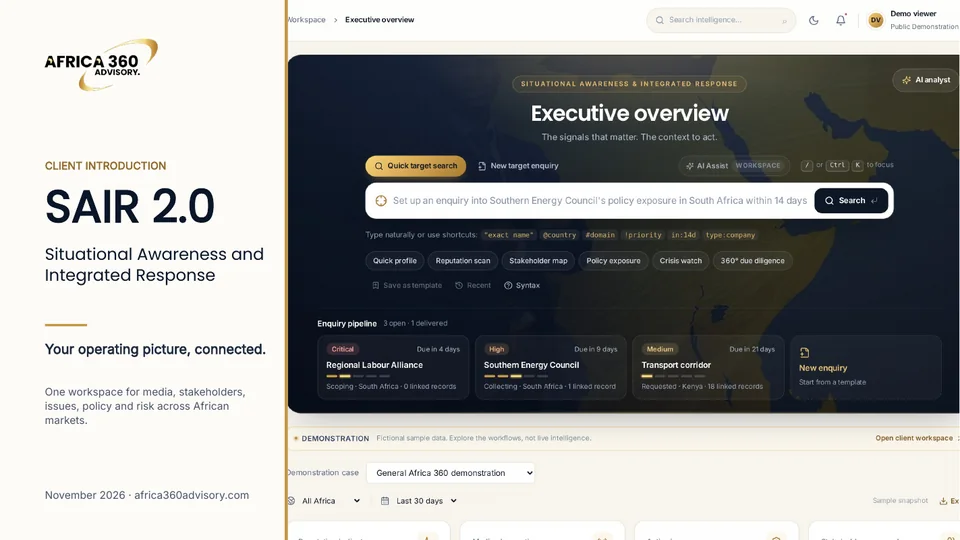
Title slide of the Introducing SAIR 2.0 presentation
Introductory presentation · PDF · 12 slides

Introducing SAIR 2.0

A short overview to share with decision-makers: the problem SAIR solves, what it does, how a target enquiry becomes a briefing, and how to get started.

What it covers

  1. The challenge: signals are scattered
  2. One workspace, seven capability domains
  3. Your operating picture at a glance
  4. Ask about any target in one line
  5. From question to briefing
  6. AI drafts. People decide.
  7. Evidence you can trace
  8. Built for the whole team, on any device
  9. Responsible by design
  10. Getting started in four steps
GETTING STARTED

Four steps to your first enquiry.

  1. Explore the demonstration

    Try every module with fictional data. No sign-in is needed.

    Open the demonstration
  2. Sign in

    Choose “Open your private workspace” and sign in to your client workspace.

    Open your private workspace
  3. Add your team

    Your administrator grants each colleague a role. Colleagues sign in once first; no invitation email is sent.

  4. Search a target

    Type a company, person or issue into the Target Desk and review what SAIR already knows.

Need a hand?

Help & documentation inside the workspace answers common questions and shows the current capability status. For setup, licensing or training, contact Africa 360 Advisory.